
Captions That Convert: A Beginner’s Guide to Burning Subtitles Into Every UGC Video
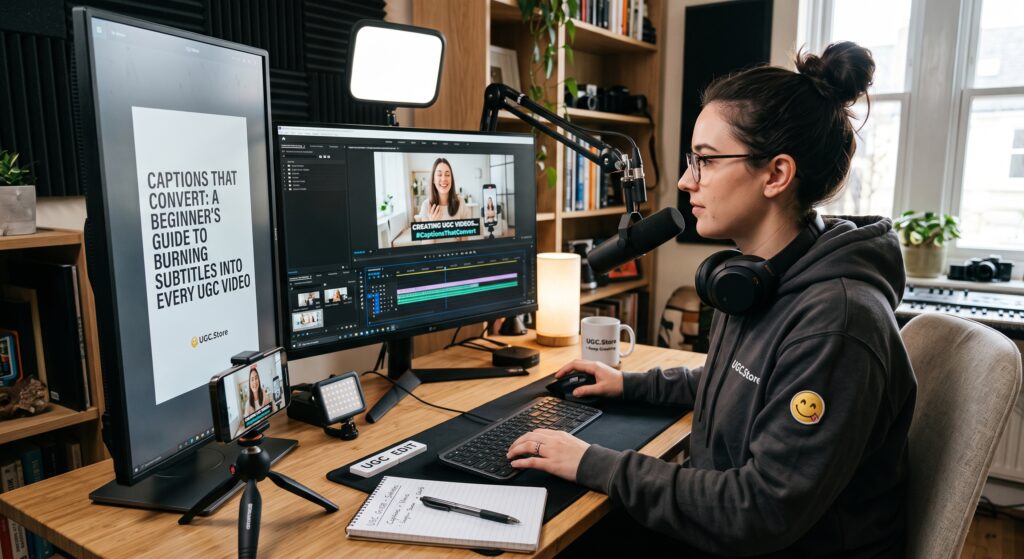
You filmed the perfect hook. Your lighting is clean. Your energy is genuine. You export the video, upload it to your UGC.Store portfolio, and wait for brands to fall in love with your work. They never do. Not because your performance was bad, but because they watched your video on a crowded train, in a quiet office, or in bed next to a sleeping partner — and without captions, they had no idea what you were saying. They scrolled away in under two seconds.
Here is the statistic that should rewrite your entire workflow: up to 85% of social media video is watched without sound. That means your brilliant script, your carefully rehearsed talking points, and your persuasive call to action are completely invisible to the vast majority of viewers unless you burn subtitles directly into the frame. A UGC Creator who delivers videos without captions is not delivering a finished product. They are delivering a silent movie that nobody asked for.
This guide will teach you how to add professional, readable, conversion-focused captions to every video in under three minutes. No typing every word manually. No design degree required. Just a repeatable system that turns your spoken words into on-screen text that sells.
“I lost my first three brand deals because I thought captions looked ‘messy.’ Then a marketing manager told me they ran my video as a test ad and 83% of viewers watched without sound. The video had zero conversions. The moment I started burning in captions, my approval rate jumped to 90% and brands started requesting me by name. It is the easiest upgrade you can make.”
— Samira T., UGC Creator (Beauty & Skincare), $6.5K/month
Why Captions Are Non-Negotiable in UGC
The argument against captions usually comes from aesthetics. Beginners worry that text blocks the frame, distracts from the product, or makes the video look cluttered. These concerns are understandable and completely wrong. In 2026, captions are not a stylistic choice. They are a functional requirement of the UGC Marketplace.
Social platforms auto-play videos on mute as users scroll. The first three seconds determine whether someone stops or keeps moving. If those three seconds contain only moving lips and no readable text, the viewer has zero context. They do not know what product you are holding. They do not know what problem you are solving. They do not know why they should care. Captions fix this by delivering your hook visually before the viewer ever decides to turn on sound.
Brands know this. When a brand hires a UGC Creator through UGC.Store, they expect captioned deliverables by default. A video without burned-in subtitles signals that the creator does not understand platform behavior, does not respect the viewer’s context, and has not done the bare minimum to maximize conversion. That is not a creator brands rehire.
Auto-Captions: Your 30-Second Starting Point
The days of manually typing every subtitle are over. Modern editing apps transcribe your speech automatically with accuracy rates above 95%. If you are not using auto-captions, you are choosing to work five times slower than your competition.
CapCut, the industry standard for UGC Content, offers the most reliable free auto-caption tool. Import your clip, tap Text, select Auto Captions, and the app generates synchronized subtitles in under 30 seconds. The same feature exists in InShot, VN, and even native platform tools like TikTok’s editor. For desktop workflows, Descript and Adobe Premiere Pro offer similar transcription with slightly more control.
The key is to treat auto-captions as a first draft, not a final delivery. AI transcription struggles with brand names, product terminology, and casual slang. A video about a Niacinamide Serum might auto-transcribe as Niagara Might See Rum. A hook about this mascara might become this mascarpone. These errors destroy credibility, especially when the brand’s own product name is misspelled on screen.
The Mandatory Manual Fix: Three Things Auto-Captions Always Get Wrong
After your auto-captions generate, you must proofread. This step takes 90 seconds and separates professionals from amateurs. Focus on three categories of errors:
Brand and Product Names. These are sacred. If the brief mentions GlowSkin Vitamin C Brightening Serum, your captions must match that exact phrasing. Brands often include trademarked names or specific product lines that the AI has never heard. Spell-check every proper noun against the brief before you export.
Required Talking Points. Many brand briefs include mandatory phrases, legal claims, or promotional language that must appear verbatim. If the brief requires you to say clinically proven to reduce dark spots in 14 days, your captions need to reflect that exact timeline and claim. Do not paraphrase legally sensitive language.
Your Hook. The first line of your video is the most important text on screen. If the auto-caption misinterprets your hook, the entire video fails before it begins. Read your first caption out loud. Does it match your spoken words exactly? Does it carry the same emotional weight? If not, retype it manually.
| Common Auto-Caption Error | Why It Hurts | Quick Fix |
|---|---|---|
| Misspelled brand names | Looks unprofessional; violates brief | Proofread against product packaging |
| Missing punctuation | Creates run-on sentences that confuse viewers | Add periods and commas for readability |
| Wrong slang or filler words | Changes your natural voice into gibberish | Replace with your actual speech patterns |
| Poor line breaks | Splits phrases awkwardly across frames | Adjust timing so complete thoughts stay together |
Designing Captions That Sell
Once your text is accurate, you need to make it readable. A caption that blends into the background, uses a decorative font, or covers the product is worse than no caption at all. Follow these design rules for every UGC video you deliver:
Font Choice. Use clean, bold sans-serif fonts. Arial, Montserrat Bold, or the default CapCut caption font work perfectly. Avoid script fonts, thin weights, or anything with excessive styling. The goal is readability at a glance, not a design award.
Color and Stroke. White text with a black outline or dark drop shadow is the universal standard because it remains visible against any background. If you film in front of a white wall, add a semi-transparent dark bar behind the text. Never use light text on light backgrounds or dark text on dark backgrounds.
Placement. Position captions in the lower third of the frame, avoiding the center where your face and the product should dominate. On 9:16 vertical video, keep text within the safe zone — approximately the middle 60% of the screen width — so it is not cropped by platform UI elements.
Timing. Each caption should appear slightly before the word is spoken and remain on screen for at least one second. Avoid flashing single words for fractions of a second. The viewer needs time to read without feeling rushed. A good rule: if you cannot read the caption comfortably in a normal speaking voice, it is on screen too briefly.
Line Length. Break long sentences into two short lines rather than one wide block. The human eye reads vertical stacks faster than horizontal lines. Aim for 3–6 words per line. If a single caption contains 15 words, split it across two or three frames.
Caption Mistakes That Kill Conversions
Even creators who add captions often sabotage their own work with these avoidable errors:
The Wall of Text. Cramming an entire sentence into one caption frame forces the viewer to stop scrolling and study your video like a textbook. They will not. They will scroll.
The Disappearing Act. Captions that vanish too quickly create anxiety. The viewer feels they are falling behind and gives up. Extend duration by 20% if you are unsure.
The Product Block. Placing captions directly over the product you are reviewing hides the hero of the shot. If you are holding a skincare bottle, move captions to the top or bottom edge so the label remains visible.
The Sound-On Assumption. Never assume the viewer will turn on audio. Do not rely on sound effects, music drops, or vocal emphasis to carry meaning. If the joke, surprise, or selling point requires audio to land, rewrite it so the caption delivers the punchline visually.
The 3-Minute Caption Workflow
You do not need to become a subtitle expert. You need a three-minute habit that guarantees professional results every time. Add this workflow to the end of every editing session:
Minute 1: Generate and Sync. Import your video into CapCut. Tap Auto Captions. Let the AI transcribe. Do not touch anything yet.
Minute 2: Proofread and Correct. Scan every caption for brand names, product terms, required talking points, and your hook. Fix spelling errors. Adjust line breaks so phrases stay together. Add punctuation where the AI omitted it.
Minute 3: Style and Export. Apply your saved caption preset: white text, black stroke, lower-third placement, clean font. Watch the video once through with sound off. If you can follow the entire narrative without hearing a single word, your captions are ready. Export and upload to your UGC.Store portfolio.
Save this style as a preset in your editing app so you never have to recreate it. Consistent caption formatting becomes part of your visual signature, just like your color grade or framing style.
- [ ] Auto-captions generated for every video before export
- [ ] Brand and product names spelled correctly against the brief
- [ ] Required talking points appear verbatim in text
- [ ] Hook is readable, accurate, and emotionally clear
- [ ] Font is bold, clean, and sans-serif
- [ ] White text with black stroke or dark background bar
- [ ] Placement avoids covering face or product
- [ ] Timing allows comfortable reading without rushing
- [ ] Final review completed with device volume muted
Captions Are the Easiest Competitive Advantage
Every beginner UGC Creator worries about camera quality, lighting rigs, and editing transitions. The professionals know that captions matter more than all of those combined. A well-lit video without subtitles reaches 15% of its potential audience. A decently lit video with perfect captions reaches 100%.
When you deliver captioned videos to brands, you are not just following best practices. You are proving that you understand how people actually consume content in 2026. You are showing that you care about conversion, not just creativity. That mindset is what turns a one-time gig into a long-term client relationship.
Burn your subtitles. Proofread your product names. Style them cleanly. And watch your portfolio transform from ignored to irresistible.
Update your portfolio with captioned content on UGC.Store and give every viewer — silent or not — a reason to stop scrolling.
